HRMS for multi-location businesses Every store, clinic and site — on one screen.
For retail chains, clinics, restaurants and businesses with more than one location: local managers run their teams, and you see everyone at once.
Today, by location
4 locations- 6 / 7
Boring Road store
10:00 shift
- 5 / 5
Kankarbagh store
10:00 shift
- 4 / 5
Clinic · Patliputra
8:00 shift
- 8 / 8
Warehouse
9:00 shift
Shift swap
Pooja ↔ Nikhil
Kankarbagh store · Saturday
Sounds familiar?
The way it usually goes.
Each store or clinic has its own manager, its own opening hours and its own staff. The owner wants to know who turned up across all of them without ringing each one, and payroll has to bring everything together at month-end.
Ringing every manager
Finding out who turned up means a call to each store or clinic.
Different hours everywhere
Each location opens and closes at its own time.
Approvals by phone call
Leave and swaps agreed verbally, then forgotten by payroll.
Month-end stitching
Attendance from every site combined by hand before salaries go out.
With OthTech
Everything your retail & multi-site team needs.
Shifts per location
Each store, clinic or site keeps its own opening hours and shifts.
Local managers
Each manager approves leave, regularisation and swaps for their own team.
Everyone, one view
Who's present, late or on leave today — across every location.
Notices to every site
Announcements pushed to every employee's phone at once, wherever they work.
Right access for each role
Managers handle their own team's requests; admins see the whole business.
One payroll run
Everyone paid in a single run, with attendance and leave already counted.
- Separate shifts for each location or team, so the clinic's 8:00 start and the store's 10:00 start both work
- Location managers approve leave, regularisation and shift swaps from their phone
- A live view of who's present, late or on leave today, without ringing each manager
- A single payroll run for everyone, with attendance and leave already counted
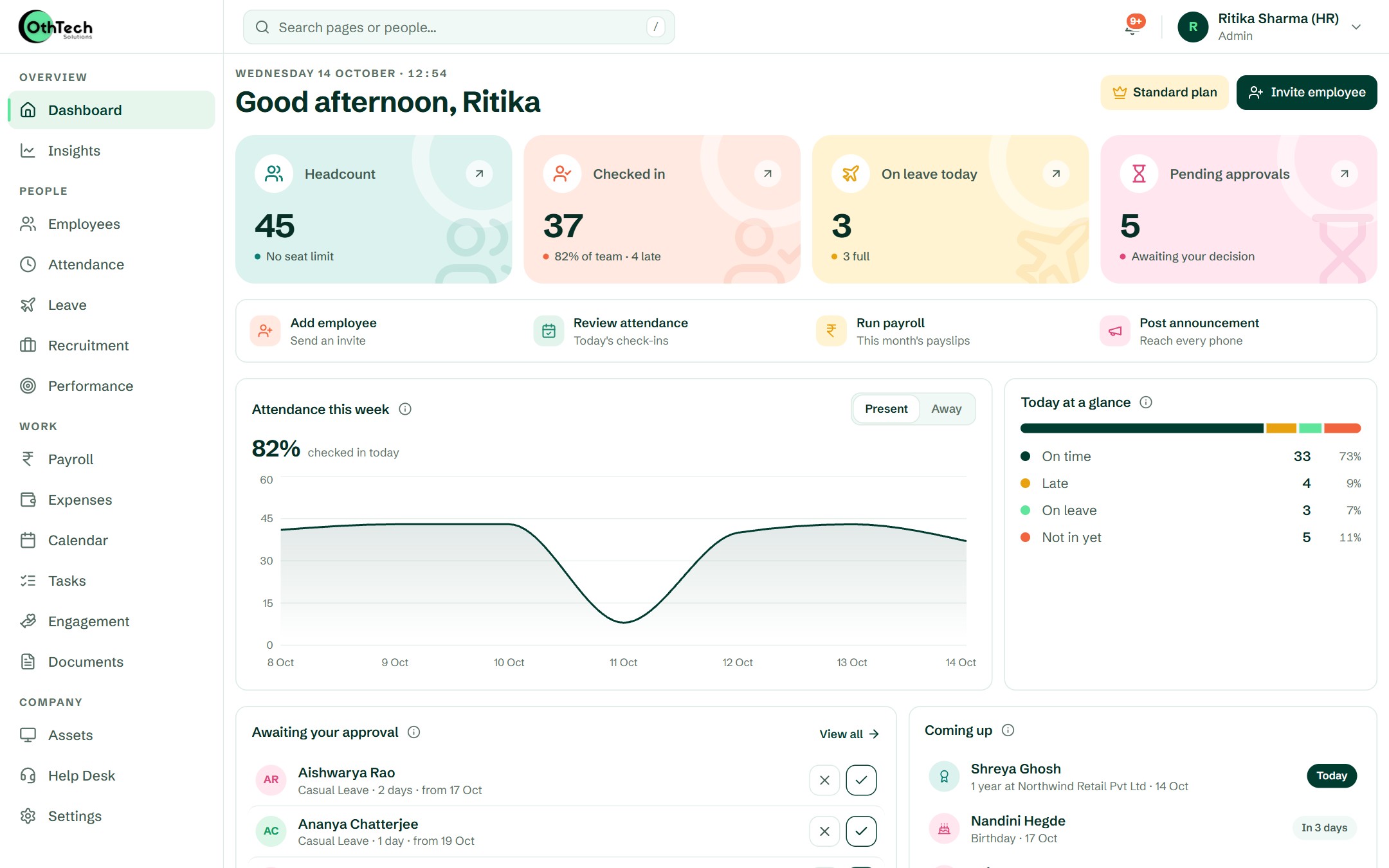
In the product
What your team will actually see.
Captured from a demo company on OthTech — no mock-ups.
Getting started
Up and running in four steps.
- 1
Add your locations
Set up departments or teams for each store, clinic or site.
- 2
Set local shifts
Give each location its own opening hours and week-offs.
- 3
Managers run their teams
Approvals happen on the manager's phone, at the location.
- 4
Pay everyone at once
One payroll run for the whole business at month-end.
Can each location have different opening hours?
Yes. Create a shift for each location's hours and assign that location's staff to it.
Can store managers approve requests for their own staff?
Yes. Managers approve leave, regularisation and shift swaps for the people who report to them, from their phone.
Do we run payroll separately for each location?
No. You run one payroll for the whole company, with every location's attendance and leave already counted.
Other teams we build for

Startups & IT services
Hiring, onboarding, leave and payroll for startups and IT services companies — in one place, so the founder stops being the HR department.

Schools & institutes
For schools, colleges, coaching centres and institutes: teaching, office and transport staff on one system, each with their own timings.

Factories & field teams
For factories, warehouses, plants and field teams: morning, evening and night shifts, location check-ins, comp-offs and shift swaps — sorted before payroll.
Get started
Try it with your own team.
Free trial, no card needed. Set up your company in an afternoon.
- Free trial, no card needed
- Web and Android
- Help from the team that builds it
Ready when you are
Set up your company in an afternoon, or let us walk you through it first.