Leave management software Leave requests that don't need a register.
Set up the leave types your company actually uses, allocate balances, and let employees apply from their phone. Managers approve in a tap, and balances update themselves.
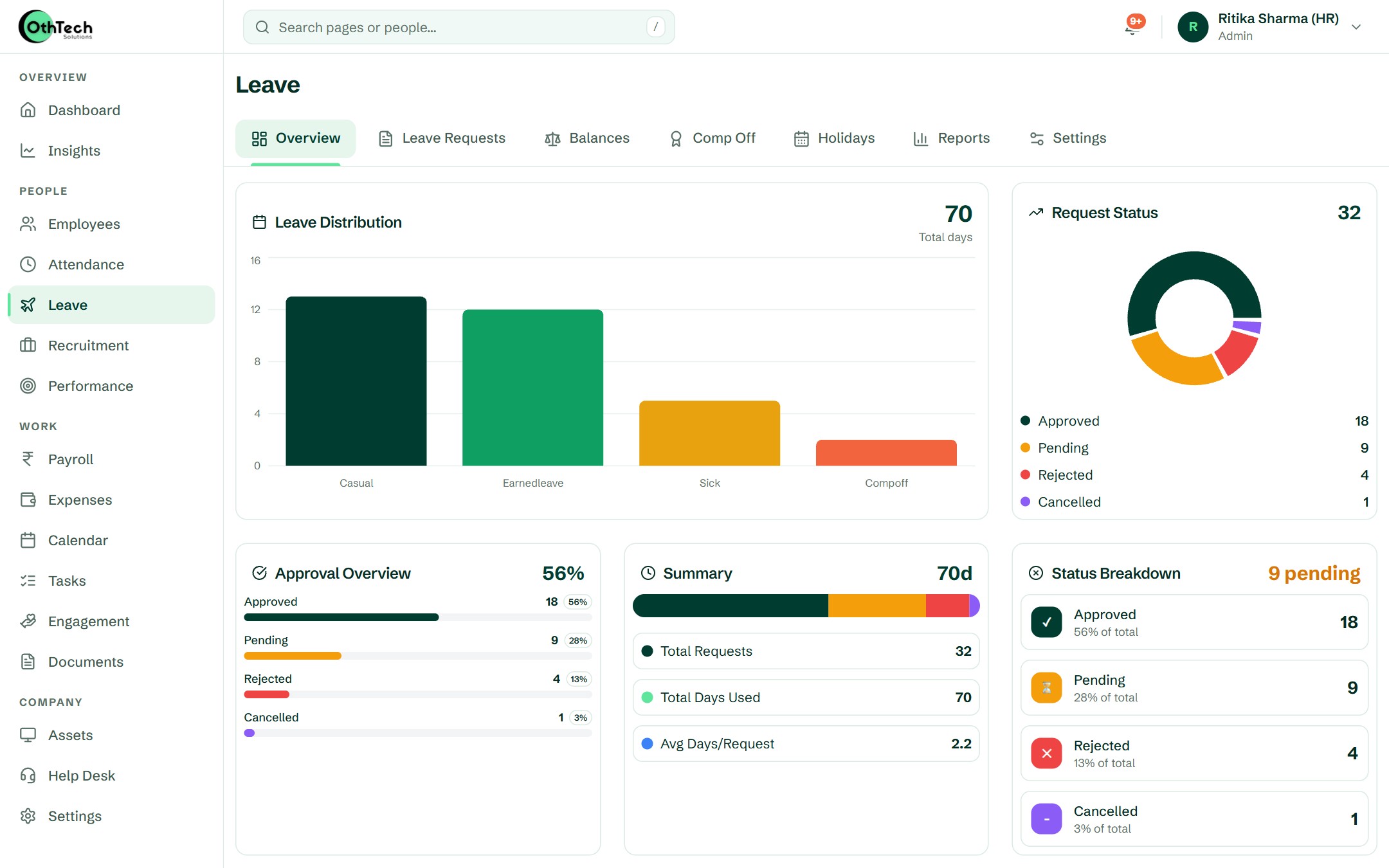
What you get
Leave & Holidays, in detail.
Leave types & balances
- Create your own leave types (casual, sick, earned and more)
- Allocate balances per employee or in bulk
- Balances update as leave is approved
- Yearly reset, with carry-forward where your policy allows it
Applying & approving
- Employees apply from the app or browser
- Reporting manager and admin approvals
- Instant notifications for every request
- Full history of who approved what
Holidays & comp-off
- Company holiday calendar visible to everyone
- Comp-off requests for working on off days
- Team leave on a shared calendar
- Plan around who's away this week
Reports
- Leave taken by type, team and month
- Balance reports for every employee
- Export for payroll and audits
- Leave flows straight into payroll
In the product
The screens your HR team opens every morning.
Captured from a demo company on OthTech, in today's design — no mock-ups.
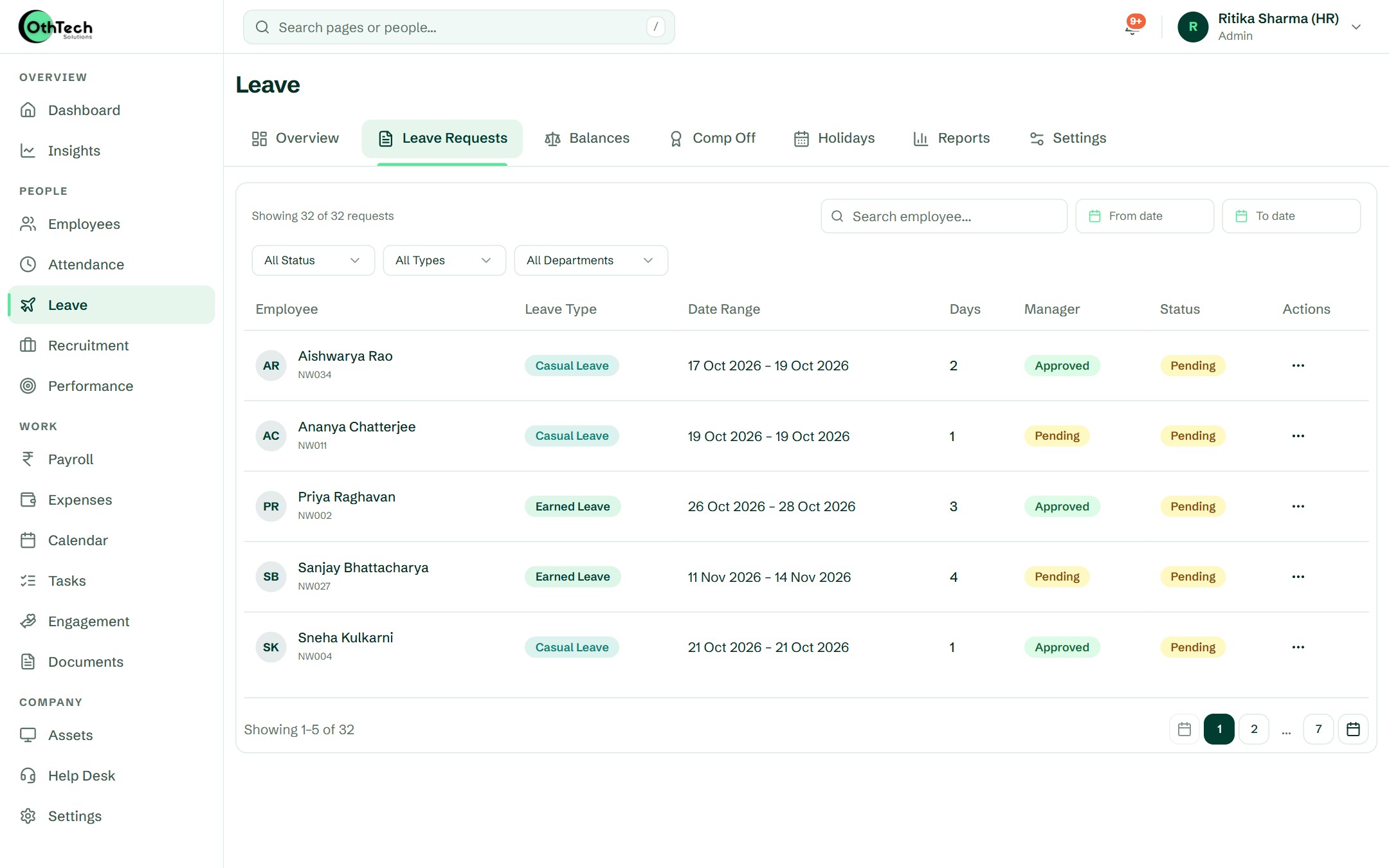
Overview. Leave taken by type and every request's status, so you know where the month stands.
How it works
Four steps. Then it runs itself.
- 1
Create leave types
Match your leave policy — names, yearly quotas and who they apply to.
- 2
Allocate balances
Give every employee their opening balance, individually or for everyone at once.
- 3
Employees apply
From their phone, with dates and a reason. Their manager is notified immediately.
- 4
Approve and forget
Approvals update balances, the team calendar and payroll automatically.
Ananya Bose · Leave balance
Financial year 2026–27
Casual
6 left
Sick
4 left
Earned
7 left
Comp-off
0 left
Questions
About leave & holidays
Can we set our own leave policy?
Yes. Leave types, yearly quotas and allocations are all yours to define. The number of custom leave types depends on your plan.
Do balances carry forward or reset?
Balances reset automatically at the start of the leave year, and unused leave carries forward up to the limit you set for that leave type. You can adjust allocations for any employee at any time.
Is unused leave paid out when someone leaves?
Yes. The full and final settlement includes encashment of the leave types you mark as encashable, worked out on Basic + DA. Our free leave encashment calculator shows the same maths.
How do comp-offs work?
Employees who work on a week-off or holiday can request a comp-off; once approved it's added to their balance.
Works together with
Attendance & Shifts
Check-ins with location, shift rosters, week-offs and regularisation approvals.
Payroll & Payslips
Salary structures, monthly runs, deductions, and payslips emailed to everyone.
Recruitment
Requisitions with approvals, a careers page, interview kits, scorecards and offers.
Free calculators
Get started
Try it with your own team.
Free trial, no card needed. Set up your company in an afternoon.
- Free trial, no card needed
- Web and Android
- Help from the team that builds it
Ready when you are
Set up your company in an afternoon, or let us walk you through it first.