HRMS for field teams & factories Shifts, rosters and check-ins for people who don't sit at desks.
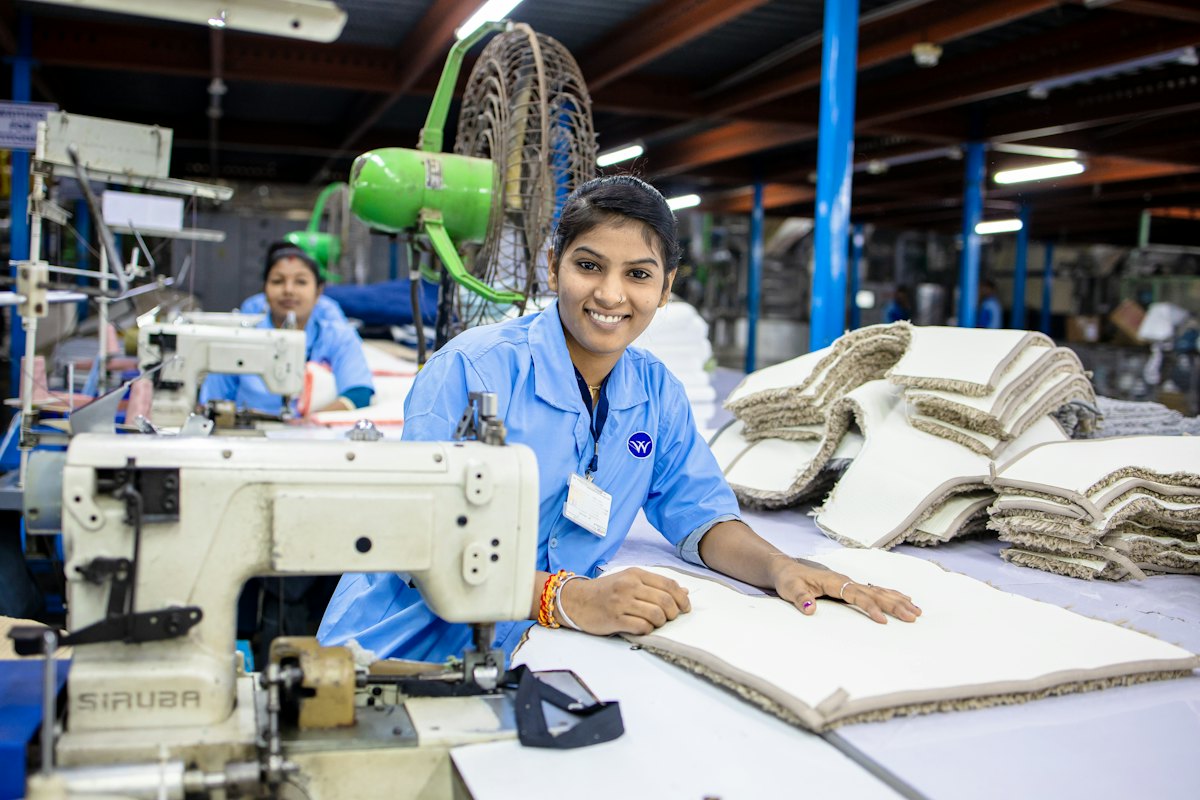
For factories, warehouses, plants and field teams: morning, evening and night shifts, location check-ins, comp-offs and shift swaps — sorted before payroll.
Shift roster · this week
Plant 2
Suresh Yadav checked in · 5:58 AM
Morning shift · location recorded
Sounds familiar?
The way it usually goes.
People work in shifts, some of them at night, and many of them are never at a desk. Someone forgets to punch out, someone works a Sunday and wants the day back, two people swap shifts informally — and the supervisor sorts it all out on paper before payroll.
Shifts on a whiteboard
Rosters change every week, and the latest version is a photo in someone's phone.
Missed punches
Forgotten check-outs fixed by hand, with no record of who approved it.
Sundays nobody tracks
People work a holiday and want the day back — and nobody remembers.
Informal swaps
Two people trade shifts and the payroll sheet never finds out.
With OthTech
Everything your factories & field team needs.
Day and night shifts
Morning, evening and night shifts with their own timings, assigned per person.
Location check-ins
Check in from the phone at the gate or out in the field, with the location recorded.
Regularisation
Missed punches fixed through a request the supervisor approves — with a record.
Comp-offs
Work on a holiday or week-off earns a comp-off, tracked like any other leave.
Shift swaps
Two people request a swap; the supervisor approves it from their phone.
Payroll that counts it all
Late marks, half-days and leave already counted when you run payroll.
- Morning, evening and night shifts with their own timings, assigned per person, and week-offs set per team
- Check-ins from the phone with location, for people at the gate or out in the field
- Regularisation for missed punches, and comp-off for work done on a holiday or week-off
- Shift-swap requests that a supervisor approves from their phone, with late marks and half-days at a glance
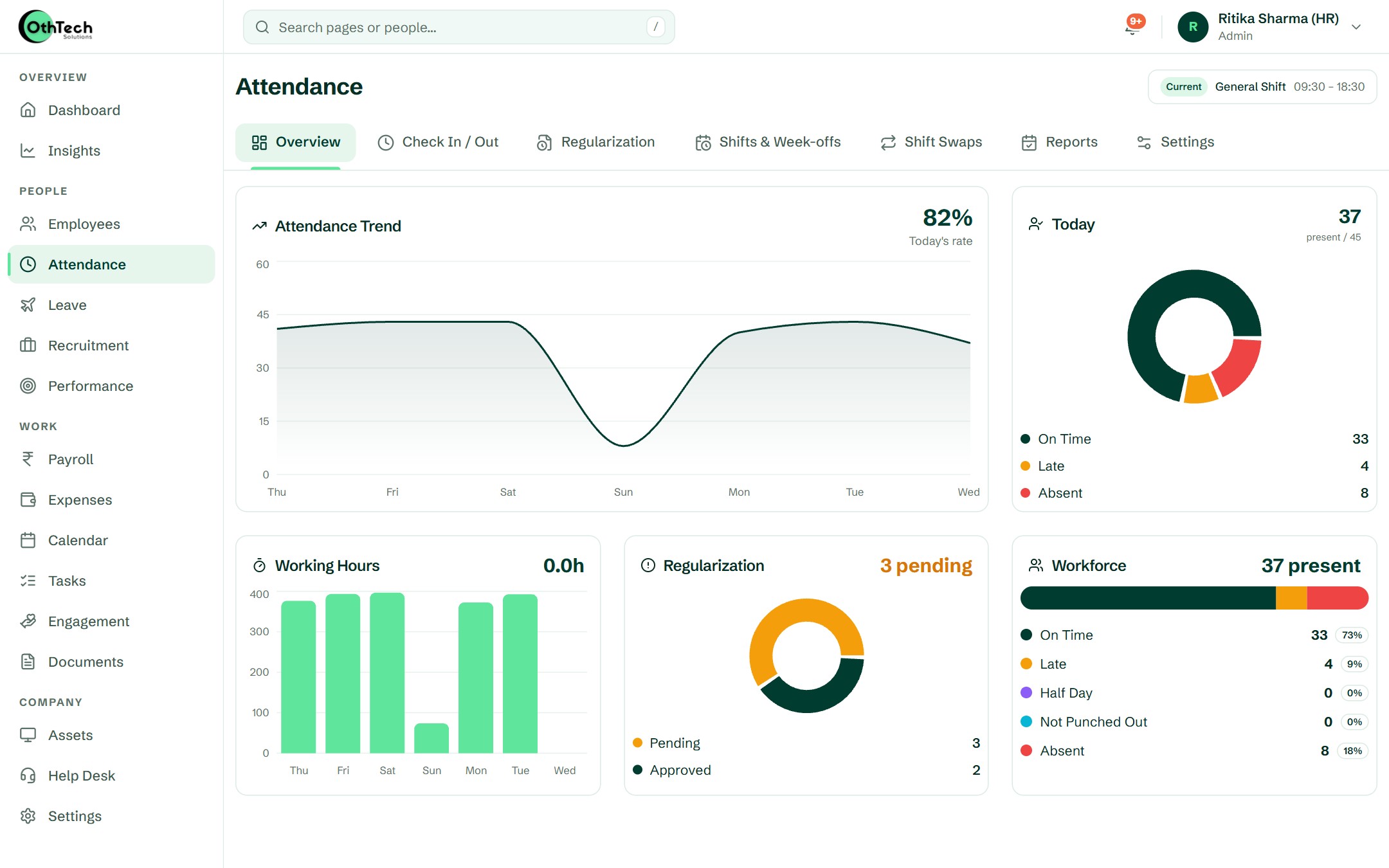
In the product
What your team will actually see.
Captured from a demo company on OthTech — no mock-ups.
Getting started
Up and running in four steps.
- 1
Build your shifts
Create shifts and week-offs and assign people or whole teams to them.
- 2
Check in from anywhere
Workers check in from their phone at the gate or on site.
- 3
Supervisors approve
Regularisation, comp-offs and swaps approved from the supervisor's phone.
- 4
Close the month
Attendance, late marks and leave flow into payroll.
Do you support night shifts?
Yes. Create shifts with their own start and end times — including night shifts — and assign them per person or team.
What happens when someone forgets to check out?
They raise a regularisation request from the app, and their supervisor approves or declines it. The change is recorded.
Can workers without a desk use it?
Yes. Check-ins, leave and payslips all work from the OthHR app on their own phone.
Other teams we build for

Startups & IT services
Hiring, onboarding, leave and payroll for startups and IT services companies — in one place, so the founder stops being the HR department.

Schools & institutes
For schools, colleges, coaching centres and institutes: teaching, office and transport staff on one system, each with their own timings.
Retail, clinics & multi-location
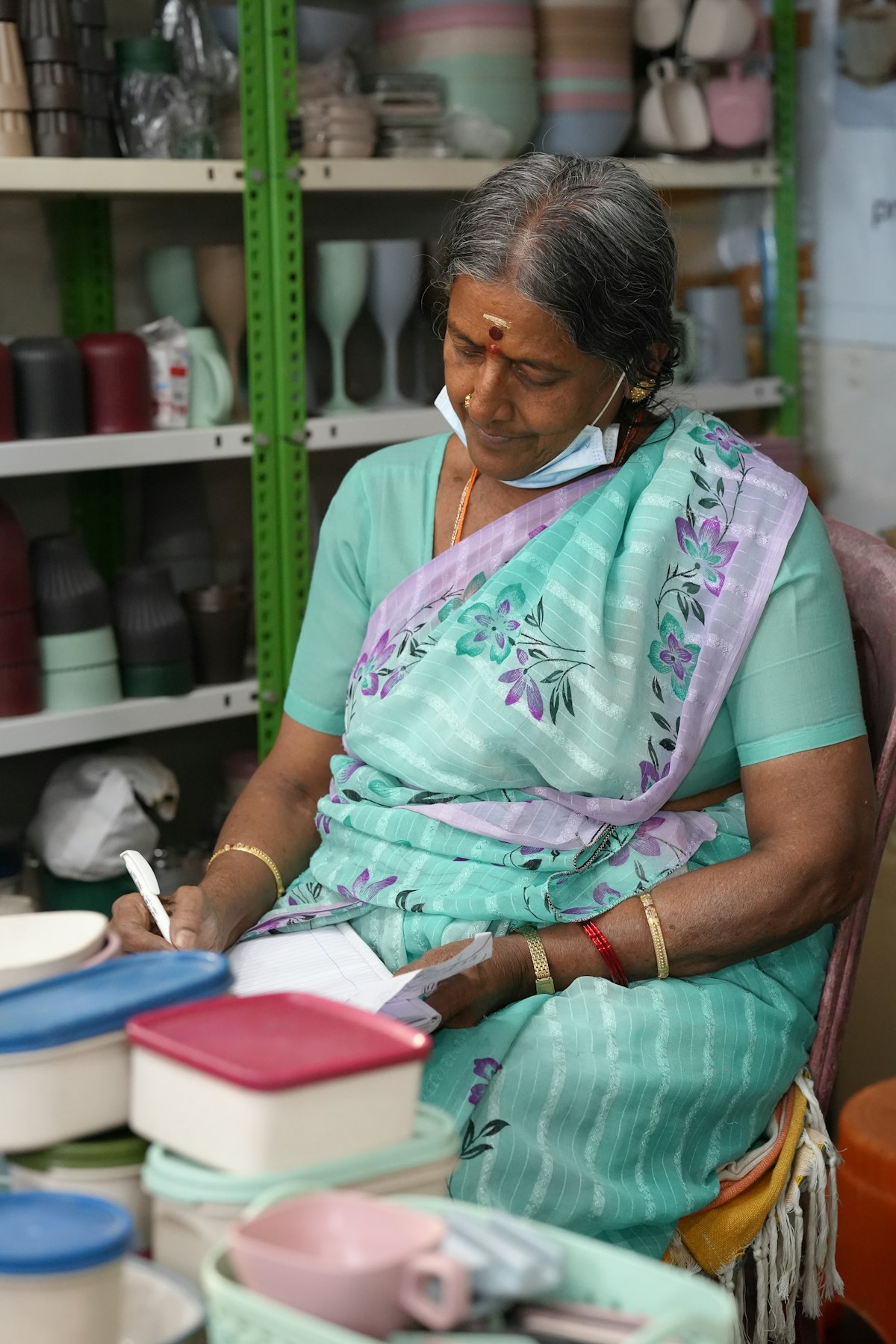
For retail chains, clinics, restaurants and businesses with more than one location: local managers run their teams, and you see everyone at once.
Get started
Try it with your own team.
Free trial, no card needed. Set up your company in an afternoon.
- Free trial, no card needed
- Web and Android
- Help from the team that builds it
Ready when you are
Set up your company in an afternoon, or let us walk you through it first.